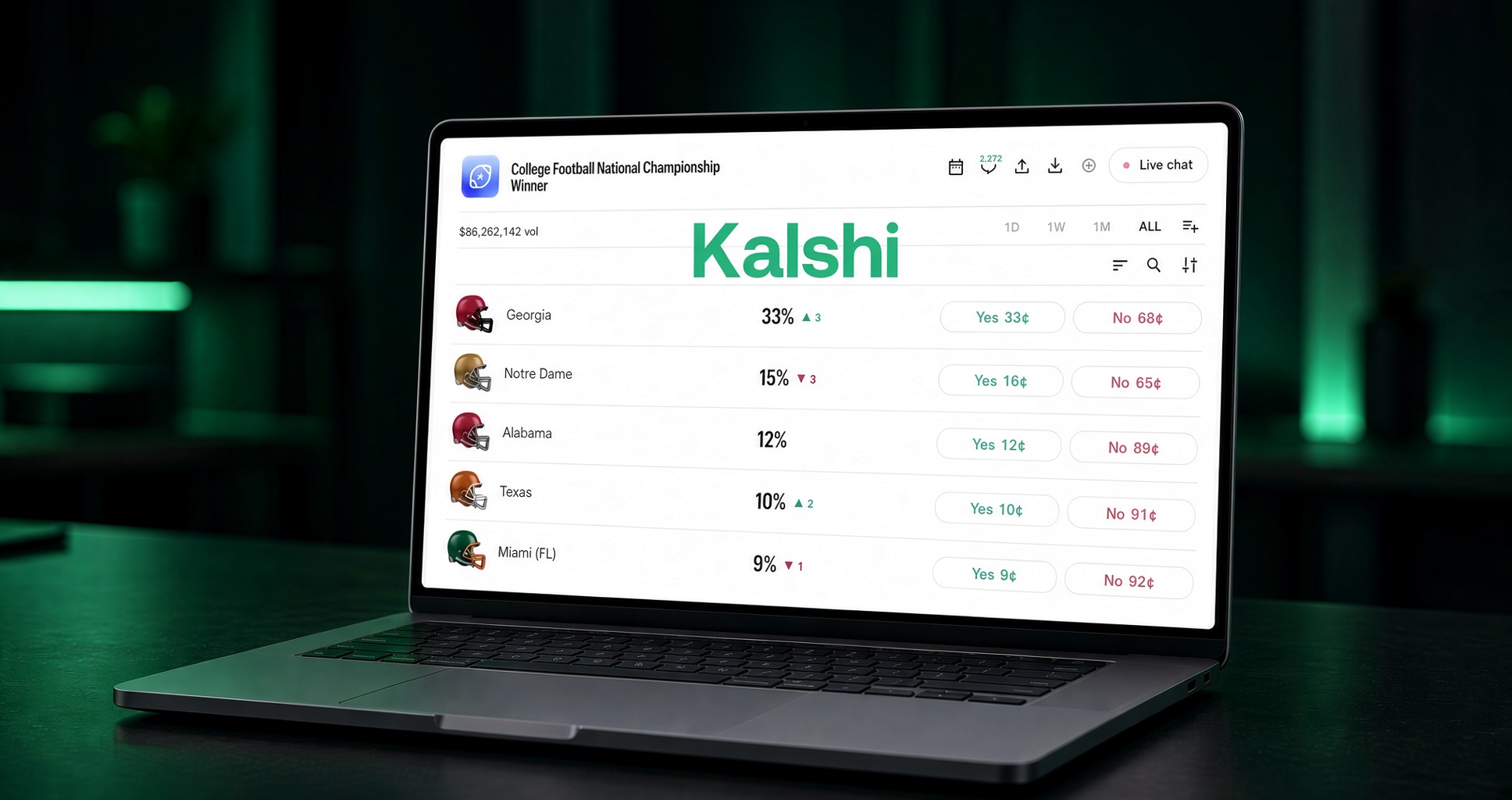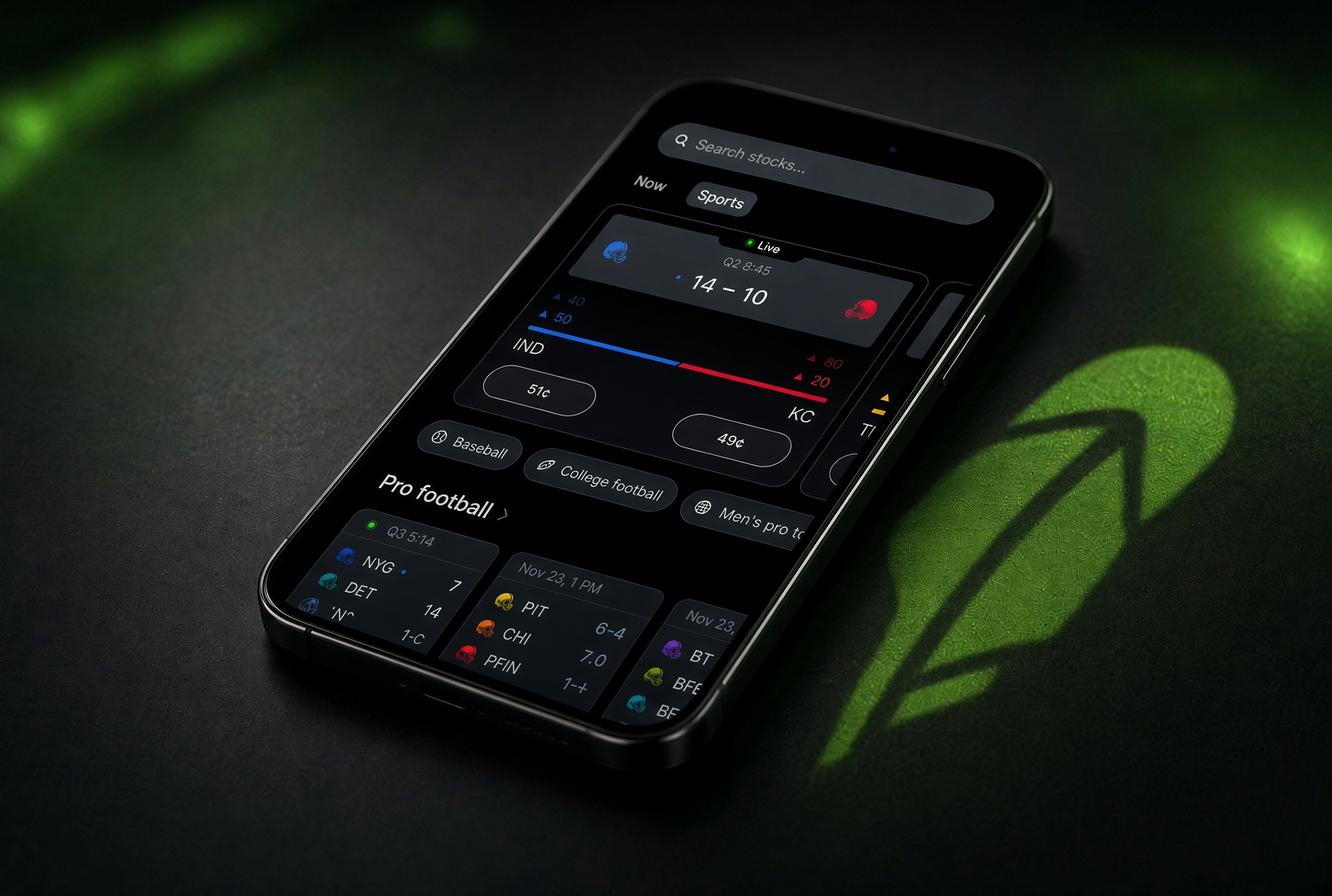
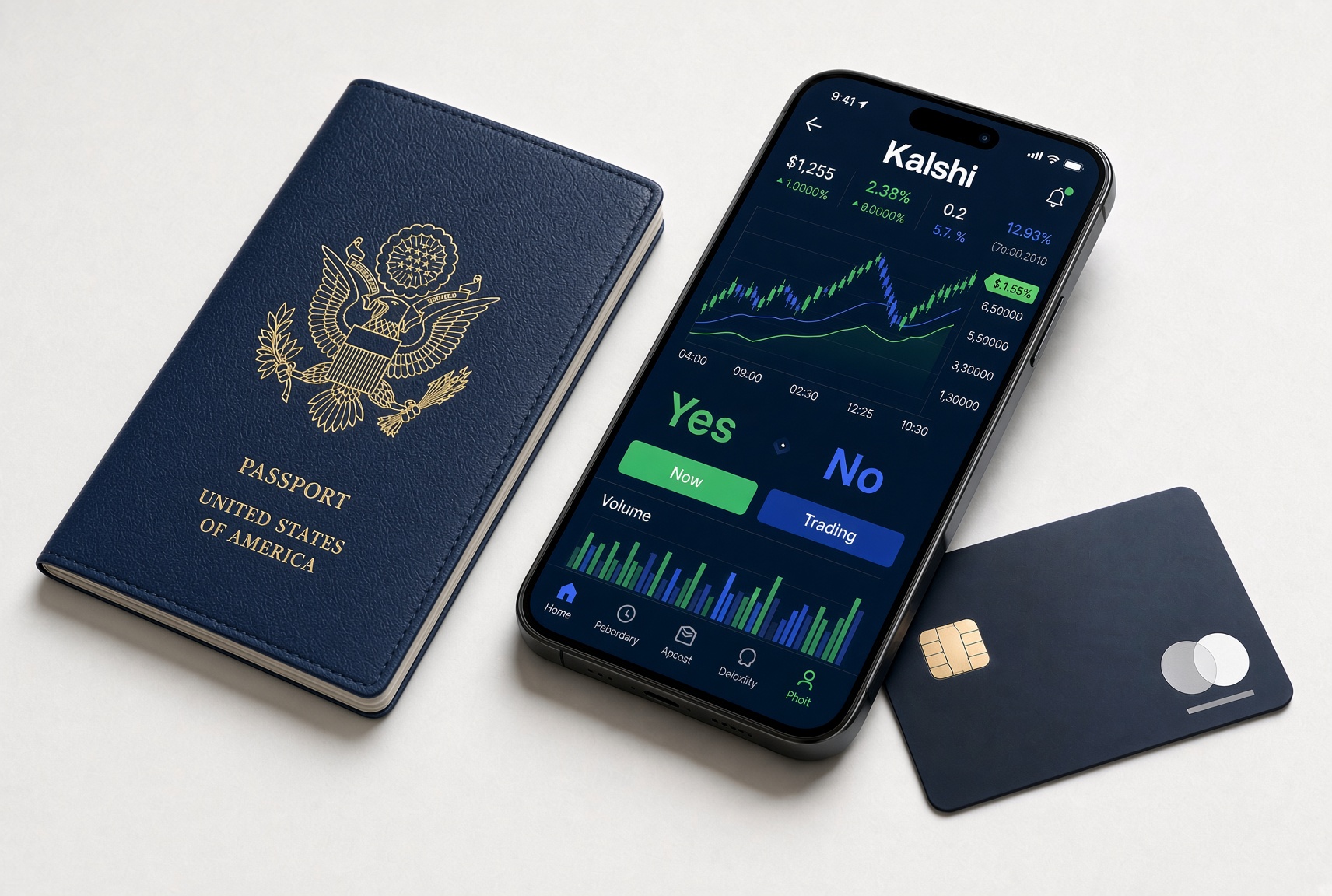
Prediction markets give traders a straightforward way to put real money behind their forecasting skills of future event outcomes. Kalshi operates as a federally regulated exchange for event contracts. The steps from creating an account to funding it and placing a trade are straightforward. Most people who prepare a few details ahead of time go from starting the process to a ready-to-trade balance in well under 15 minutes.
This guide covers opening your Kalshi account, completing the identity checks, and making your first deposit. The process is simpler than it first looks once you know what the platform actually needs from you.
What You Need Before Creating Your Kalshi Account
It helps to have a few things ready, so you don’t have to stop halfway through. You need to be at least 18 years old in most states and have a U.S. residential address that matches the one on your photo ID. You will also need an email you can access right away and a U.S. phone number that can receive text messages.
Have your Social Security Number handy because Kalshi uses it for identity matching and tax forms. Keep a current driver’s license or passport close by in case the system asks for a photo or a quick selfie. Typing your name and address exactly as they appear on the ID avoids the kind of mismatch that sends an application into manual review.
Kalshi only allows one account per person, so pick contact details you expect to keep for some time. Skip the VPN and temporary phone numbers during signup. Those tend to raise flags and slow everything down. With these basics in place, the rest usually moves quickly.
Step-by-Step Kalshi Account Creation
On the web, go to kalshi.com and click the Sign Up button in the top right. You can use Google, Apple, or a regular email and password. If you choose email, a confirmation link shows up almost immediately. Check your inbox and spam folder, then click it before it expires.
Next, you verify the phone number by entering the short code that arrives by text. This second factor step confirms the number belongs to you and helps the platform catch suspicious signups. After that, you enter your full legal name, date of birth, and residential address. Match the ID as closely as possible. Even small differences in how a middle name is written can cause delays.
Many traders finish this basic profile in under five minutes. At this point, the account exists, but you still cannot deposit or trade until identity verification is done.
Once the profile is saved, the system moves you into the Know Your Customer process. Finishing that part is what unlocks the ability to add money and start trading.
Completing Kalshi KYC and Identity Verification
Kalshi has to verify every trader before any deposit or order is allowed. That requirement comes from CFTC rules for designated contract markets. It’s often referred to as Know Your Customer (KYC). The platform asks for your full name, date of birth, phone number, address, and usually the last four digits of your Social Security Number. When everything matches public records, most automated checks finish in just a few minutes.
If the system cannot confirm the information right away, it asks for a photo of your government ID and sometimes a live selfie to make sure they match. Accepted documents include an original, unexpired driver’s license or passport. Copies, screenshots, and non-government cards get rejected. More detail is available in the document verification article and on the customer identification page.
The verification team compares what you submitted against the details you entered and also runs a watchlist check. Most people get approved automatically. Applications that need a person to review them usually clear within one business day. You’ll get an email either way. If an application is rejected, you can still log in, but deposits and trading stay blocked until you fix the issues that caused your failed verification.
To reiterate, matching your photo ID exactly is the single best way to avoid extra steps. Once you are approved, the deposit options and the markets become available.
Turning on two-factor authentication and Face ID in the mobile app adds a useful layer of protection once there is money in the account.
Making Your First Deposit on Kalshi
After verification, click the balance area or the Add Funds button to open the deposit screen. Kalshi supports bank transfer (ACH), debit card with Apple Pay or Google Pay, PayPal, Venmo, Cash App, crypto, and wire. The minimum for most methods is $10. Wire transfers require $1,000 minimums. Those numbers come from the Transfers FAQ.
Bank transfers through Plaid or Aeropay do not carry a Kalshi fee. The platform often credits part of the money right away while the rest settles over the next few business days, typically within five days. Debit card deposits show up instantly but usually include a 2% processing fee. You can only link bank accounts and payment methods in your name that match your KYC data.
We highly recommend starting with something modest, like $20 to $50, to give you room to place a few small trades while you learn the interface. After you confirm the amount and any fee that appears, the money moves into your cash balance, which is held in segregated customer accounts. ACH steps are explained in the bank deposits help article.
Once the deposit appears in your balance, you can browse markets, pick Yes or No contracts, and place an order with the exact risk shown before you confirm.
Frequently Asked Questions
How long does Kalshi account signup and KYC usually take?
Most traders finish everything, including the automated identity checks, in 10 to 15 minutes. When a manual review is needed, it usually finishes within one business day.
What documents does Kalshi accept for identity verification?
An original, unexpired driver’s license or passport works. The photo must be clear, and the name and details must match your profile exactly. Non-government IDs are not accepted.
What is the minimum deposit on Kalshi?
The minimum is $10 for ACH, debit card, PayPal, Venmo, Cash App, and most crypto options. Wire transfers require a $1,000 minimum.
Are there fees to open a Kalshi account or make a deposit?
Opening the account is free. ACH bank transfers carry no Kalshi fee. Debit card deposits usually include a 2% processing fee. Other methods depend on the provider.
Can I trade immediately after depositing?
Yes, once verification is approved and the deposit is credited. Instant methods such as debit cards or PayPal let you trade right away. ACH may give you partial credit sooner than the full settlement.
Does Kalshi allow multiple accounts?
No. Kalshi permits only one account per individual. Entity accounts exist for businesses but cannot be held at the same time as a personal account.
What happens if my KYC/ID verification application is rejected?
You can still log in, but deposits and trading stay blocked. Contact support with any additional documents they request. Many cases are resolved after the compliance team reviews the updated information.
Is my personal information safe during Kalshi signup?
Kalshi uses the information only for identity verification, fraud prevention, and the tax reporting required by regulation. The data is encrypted and handled with established verification vendors. No online data is technically 100% safe.